

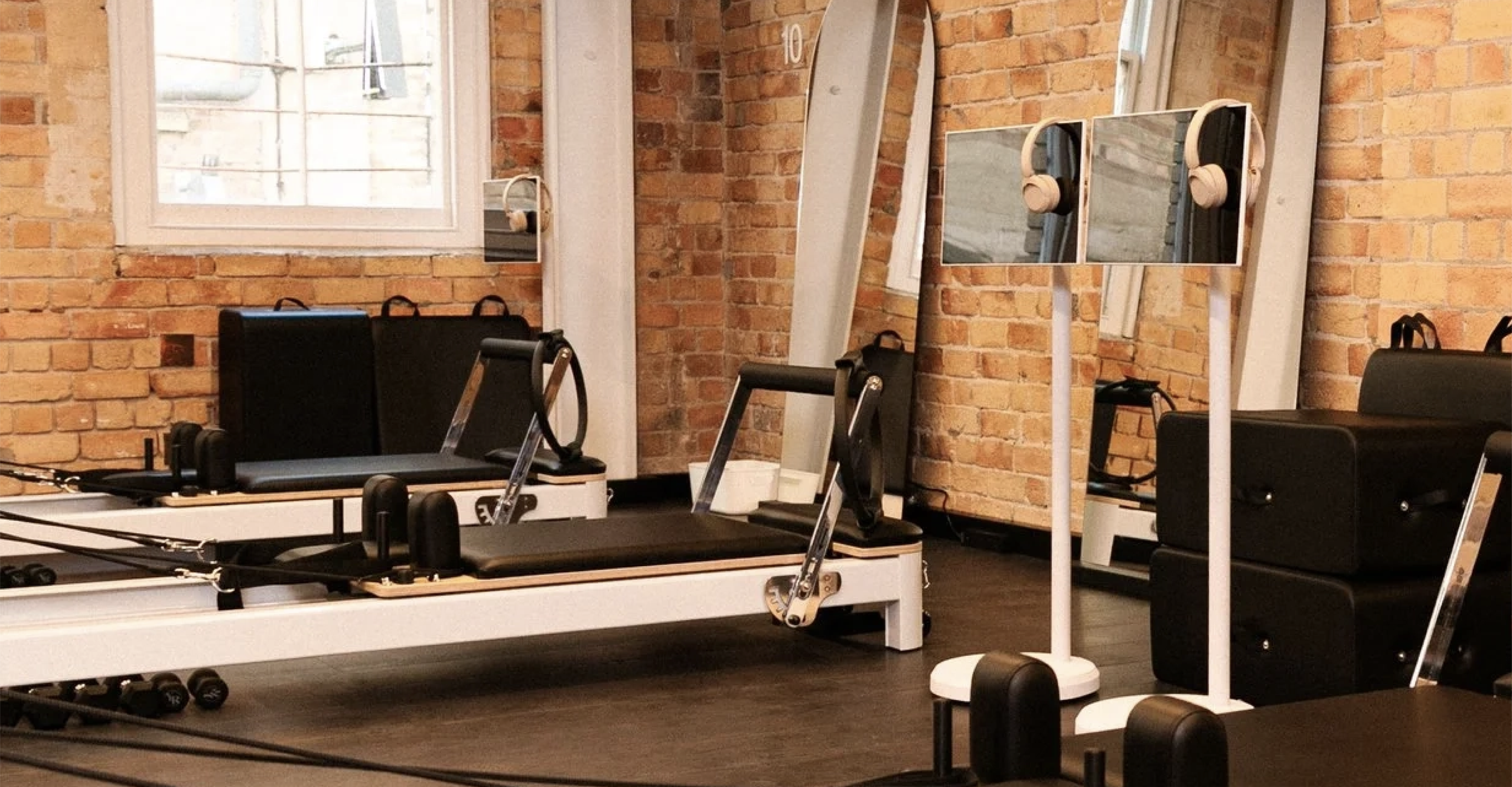
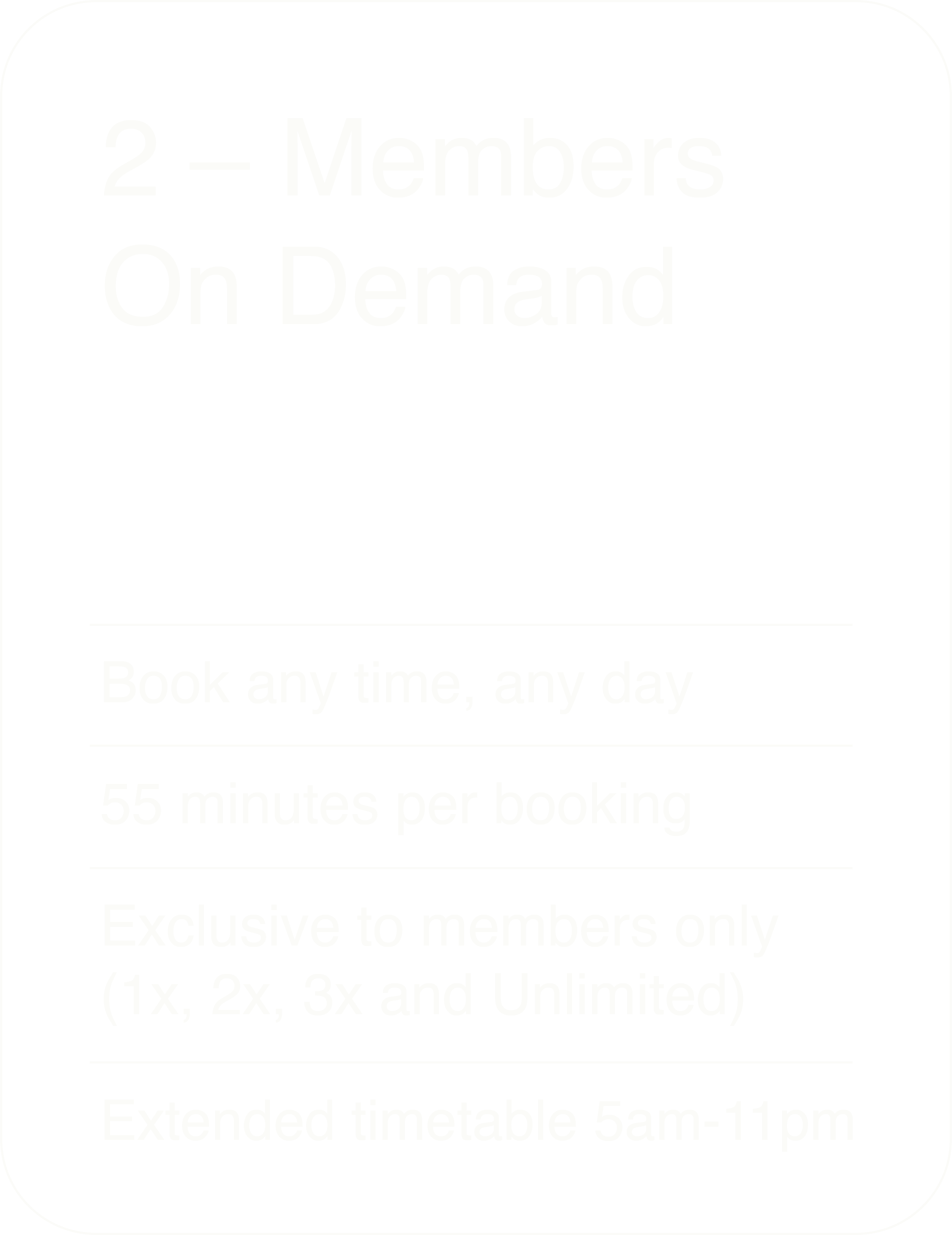
On Demand
Bookings
YOUR SPACE • YOUR TIME

How to book your session
01
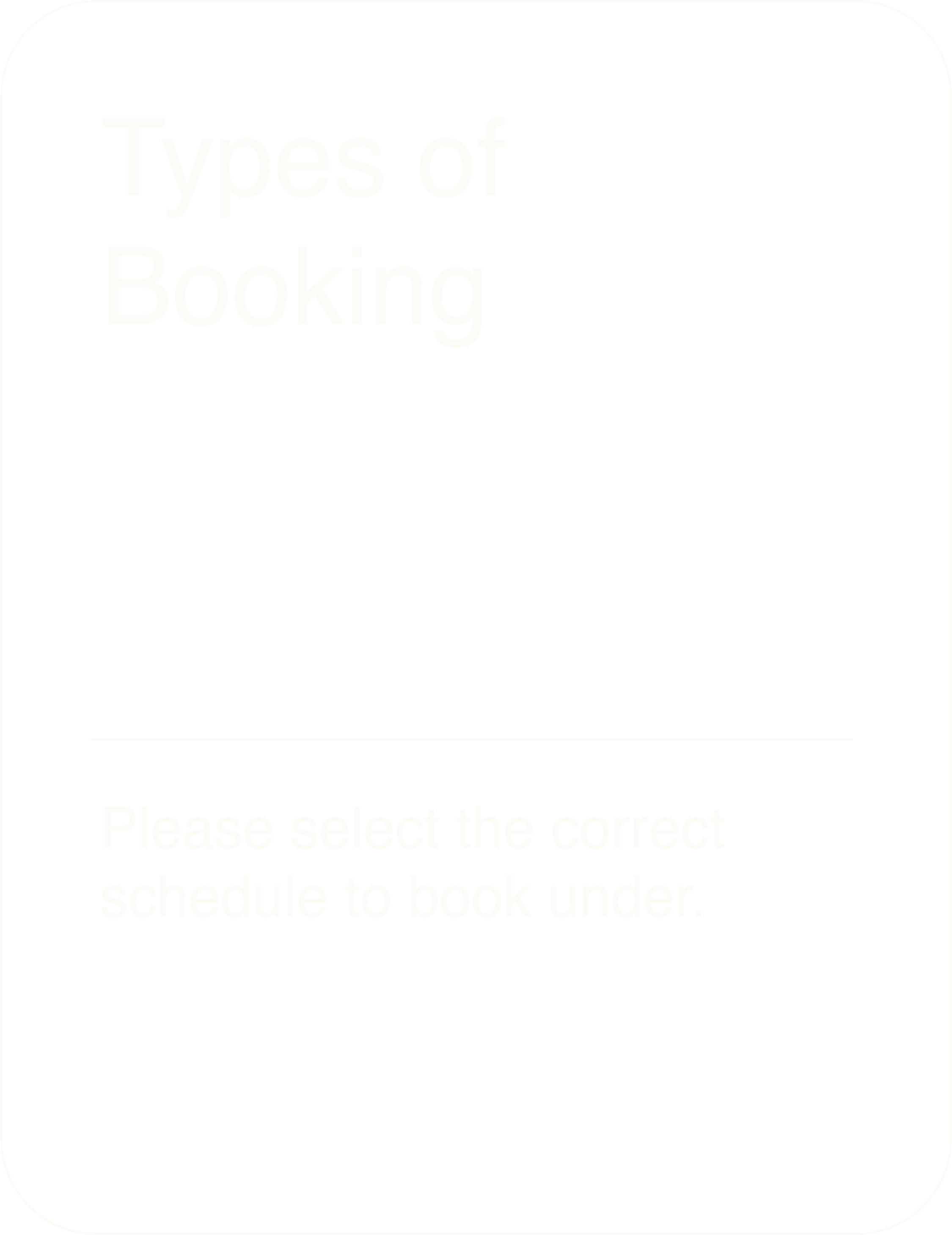
Select the correct schedule to book under. Intro Offers, Single Session and ClassPass can all only be booked under the Open On Demand Hours Reformers schedule.
02
Book a specific bed below (eg Bed 04), otherwise select Any Staff. Select your preferred date and time, click Add to Cart to confirm.
03
You’ll be redirected to the confirmation page which will indicate the bed number you have been booked to. From here you will complete your booking if you are already signed in to your Mindbody account. If you aren’t, you will be prompted to sign in.
Bookings are made
through MINDBODY
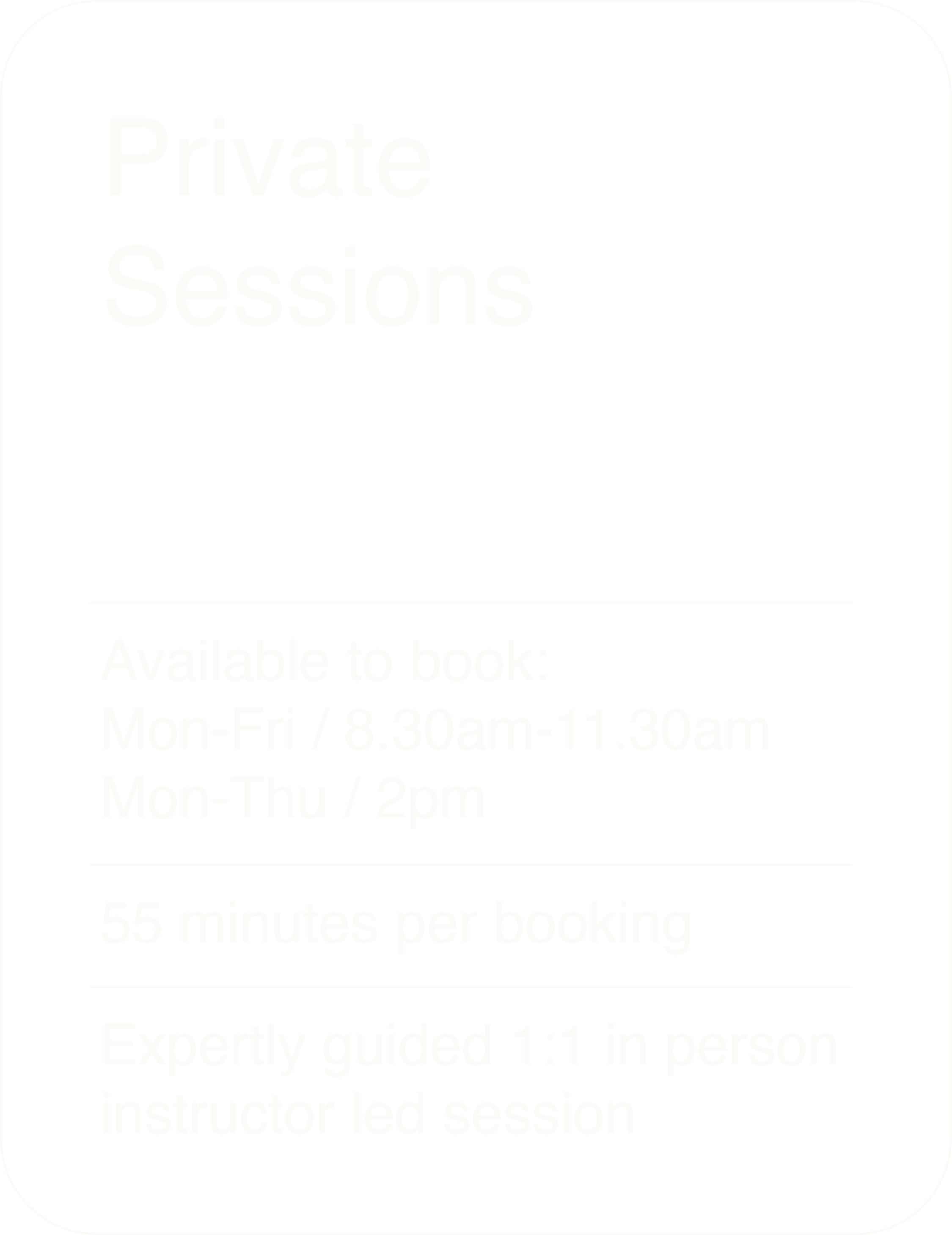
Use the scheduler below to book your bed. If you have any issues booking, try through this button on our consumer site.
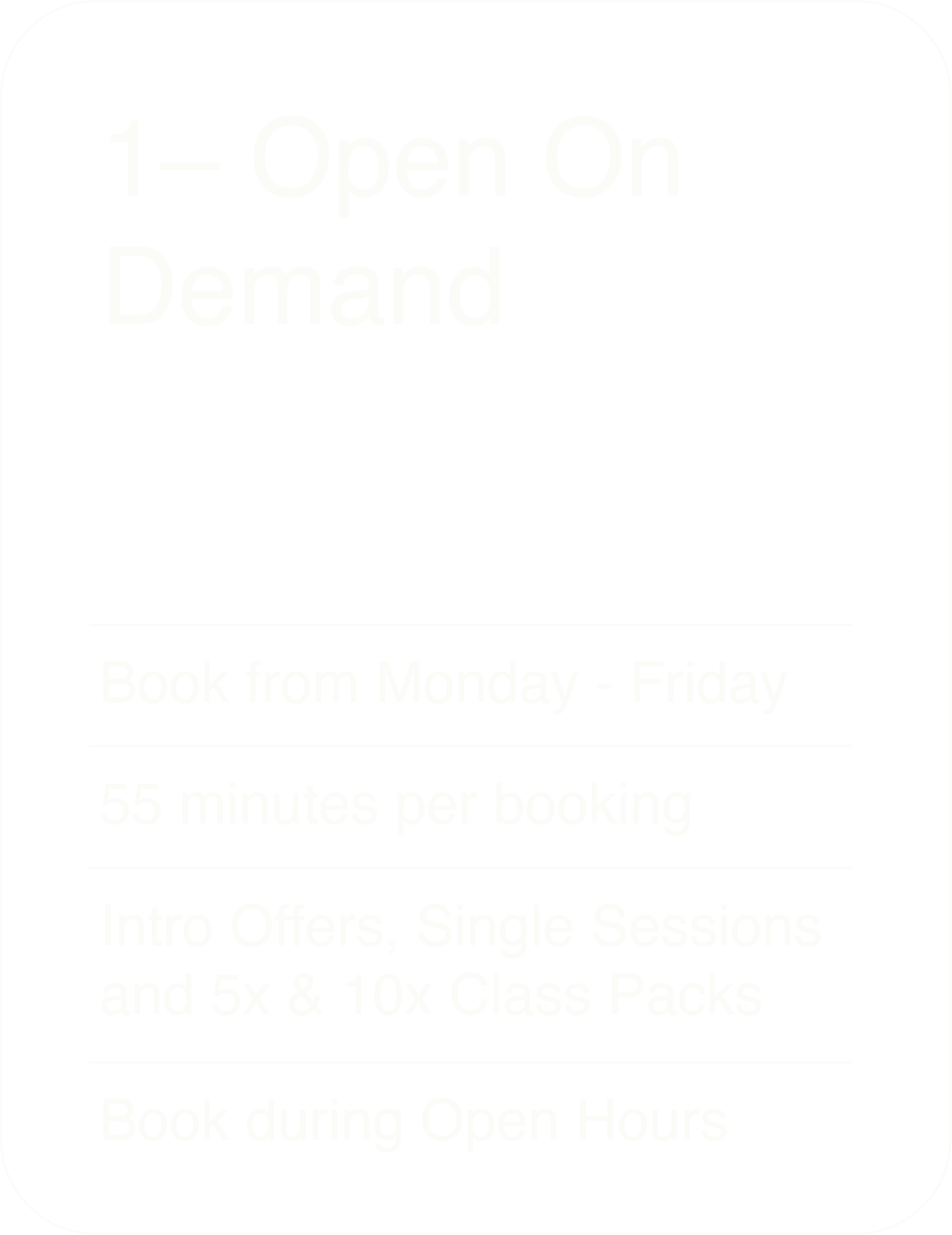
OPEN ON DEMAND
HOURS
Monday – Friday AM 7am - 9am
Monday – Thurs PM 12pm - 7pm
Friday PM 12pm - 2pm