Welcome to
Always Pilates!
REFORMER ON YOUR TERMS
FIRST SESSION GUIDE
Please read below before your first session at our studio!
This will give you a clear walk through of everything you need to know to make the most of your booking.

01
Entry to Studio
INTRO OFFER/ DIRECT BOOKINGS - You will have received the link to this page in an email which also contained your person entry PIN Code that you will use for the duration of your pass with us.
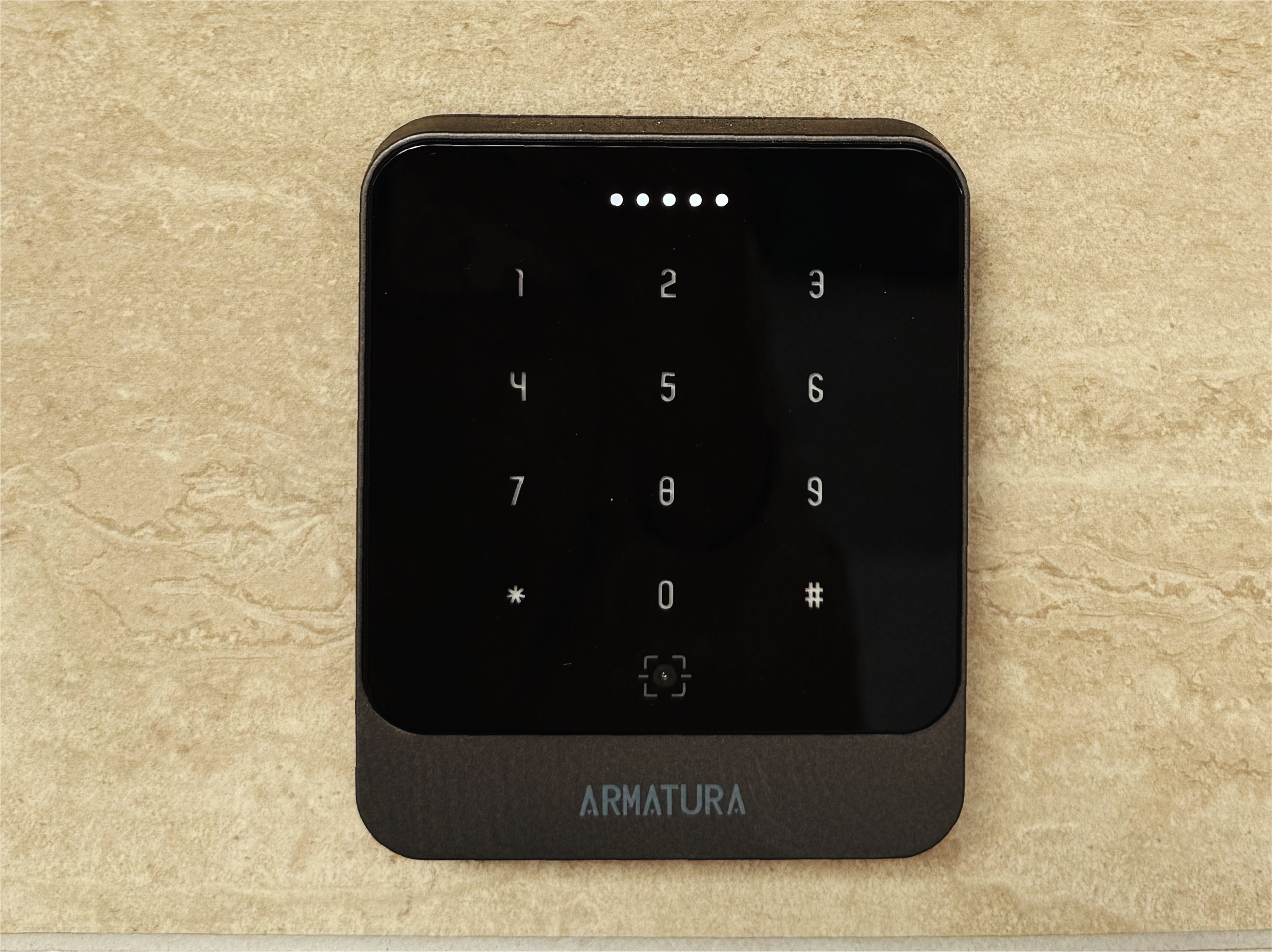
CLASSPASS - You will receive a PIN code via Text Message the day of your session. Make sure you have sent us your phone number before then, otherwise it will be emailed to you. You will NOT be able to access the studio without this PIN code.
Use the middle keypad to enter the code. This will unlock the top door into the studio as well.
02
Booking a Bed
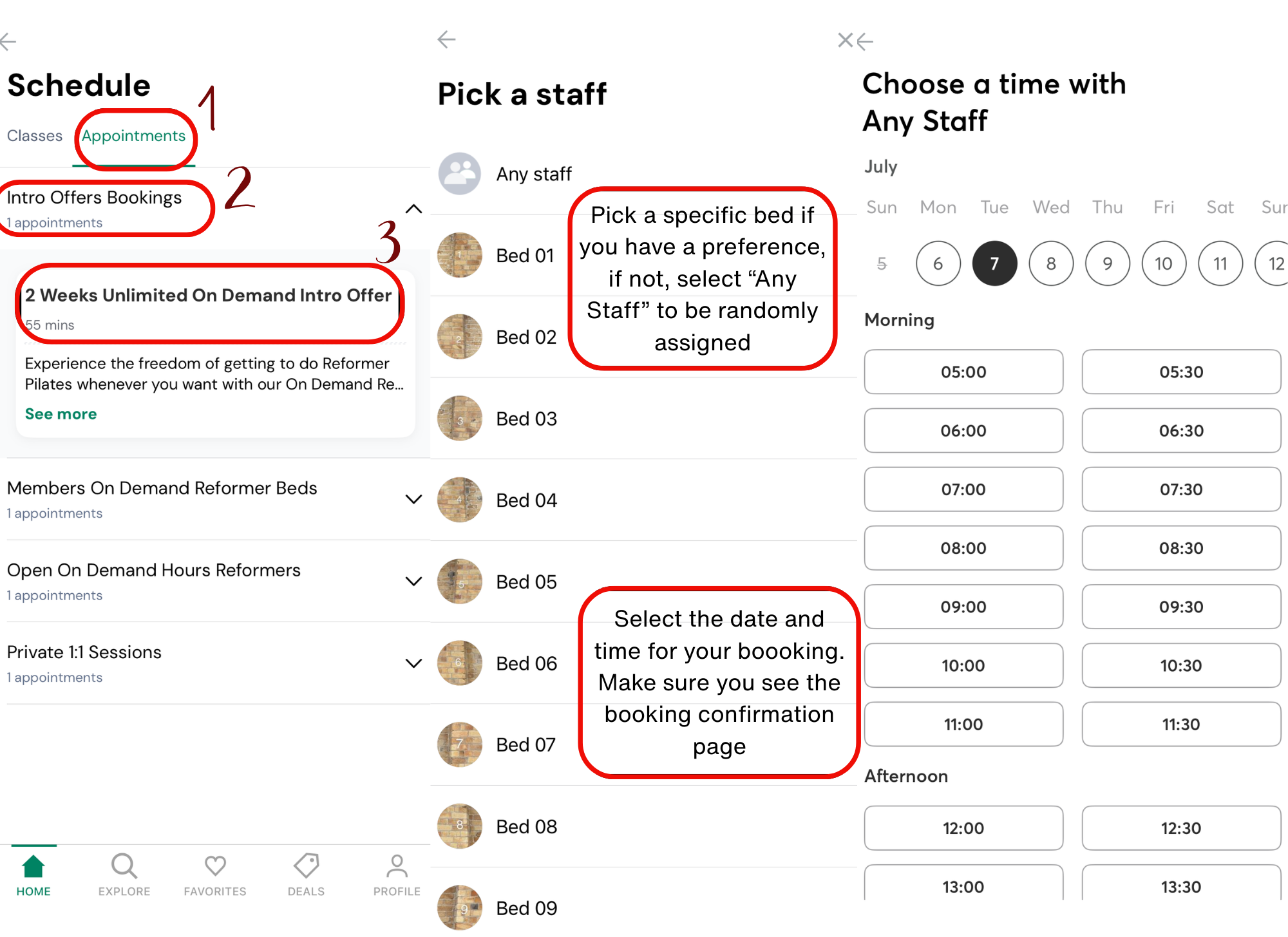
For Direct bookings done through Mindbody, I know it can be a little confusing as our beds are booked as Appointments. Make sure you click over to the Appointments tab first so that you are given the option of what Timetable to book in.
Use the Intro Offers Bookings for those on the 2 weeks Unlimited On Demand Intro Offer.
You have the option to select your preferred Reformer station by choosing the one you want. If you don’t care you can select “Any Staff” to be randomly assigned.
Pick your the date and time you want to move. Make sure you get a Confirmation page before closing the app.
03
Reformer Station
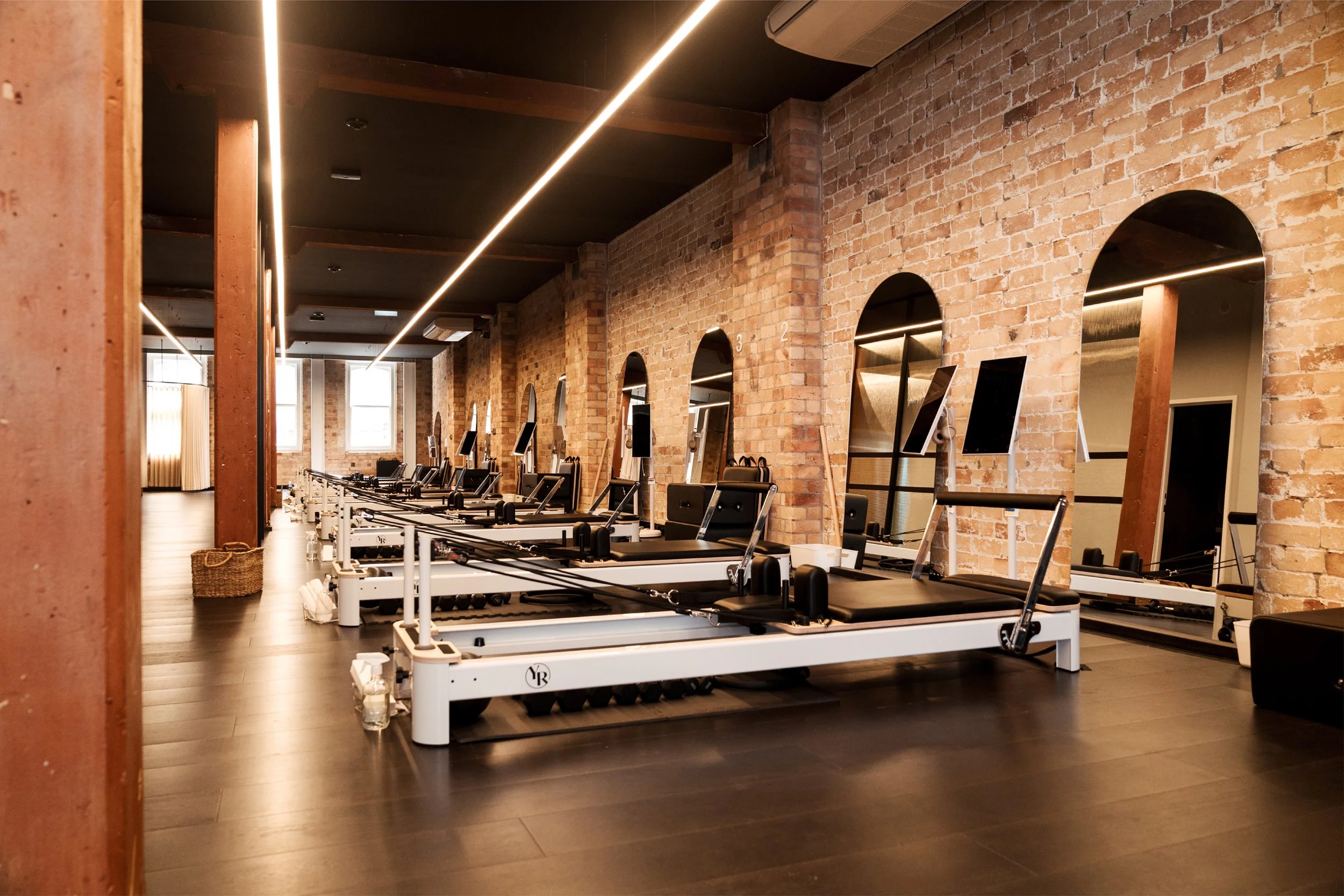
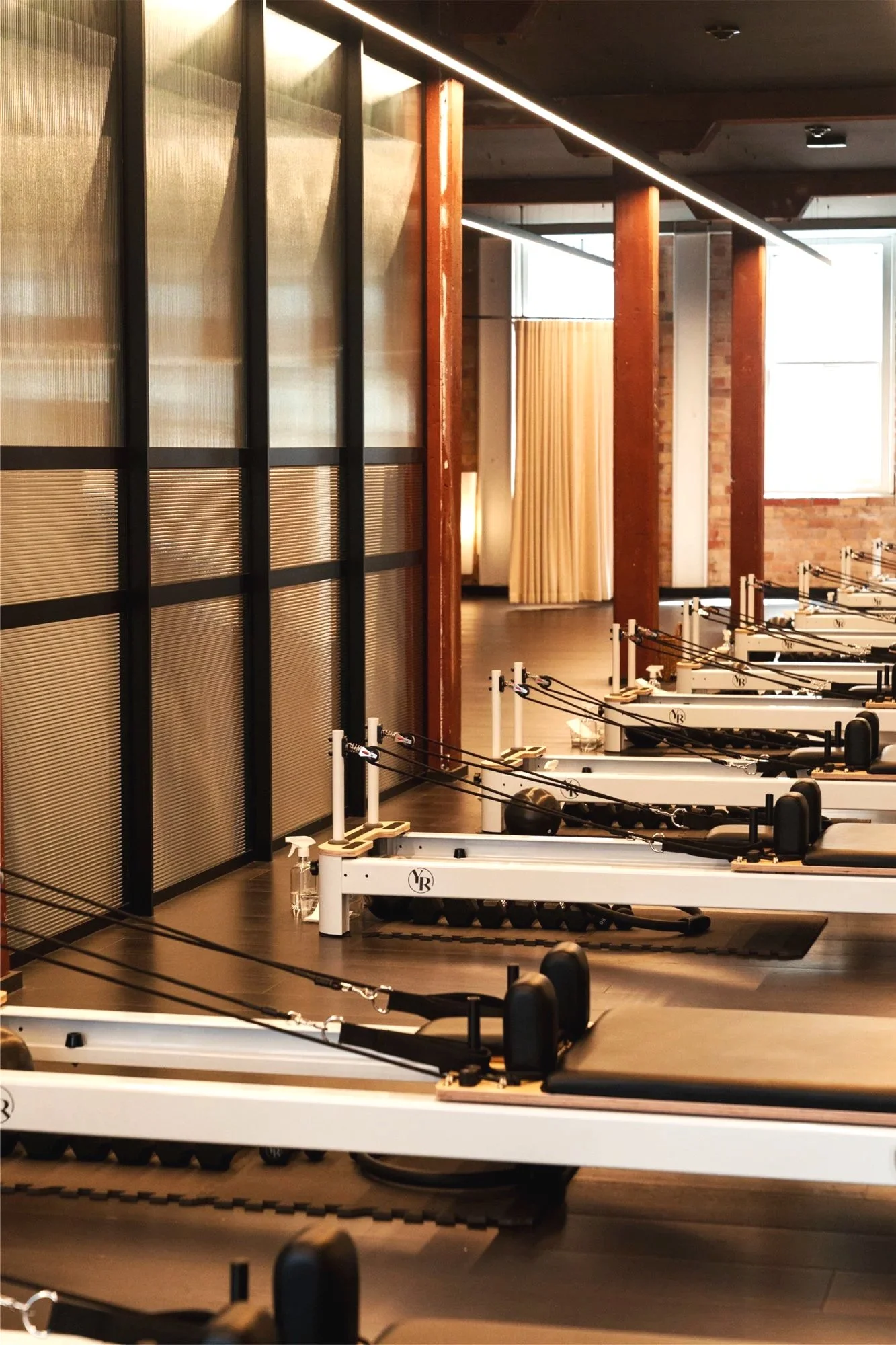
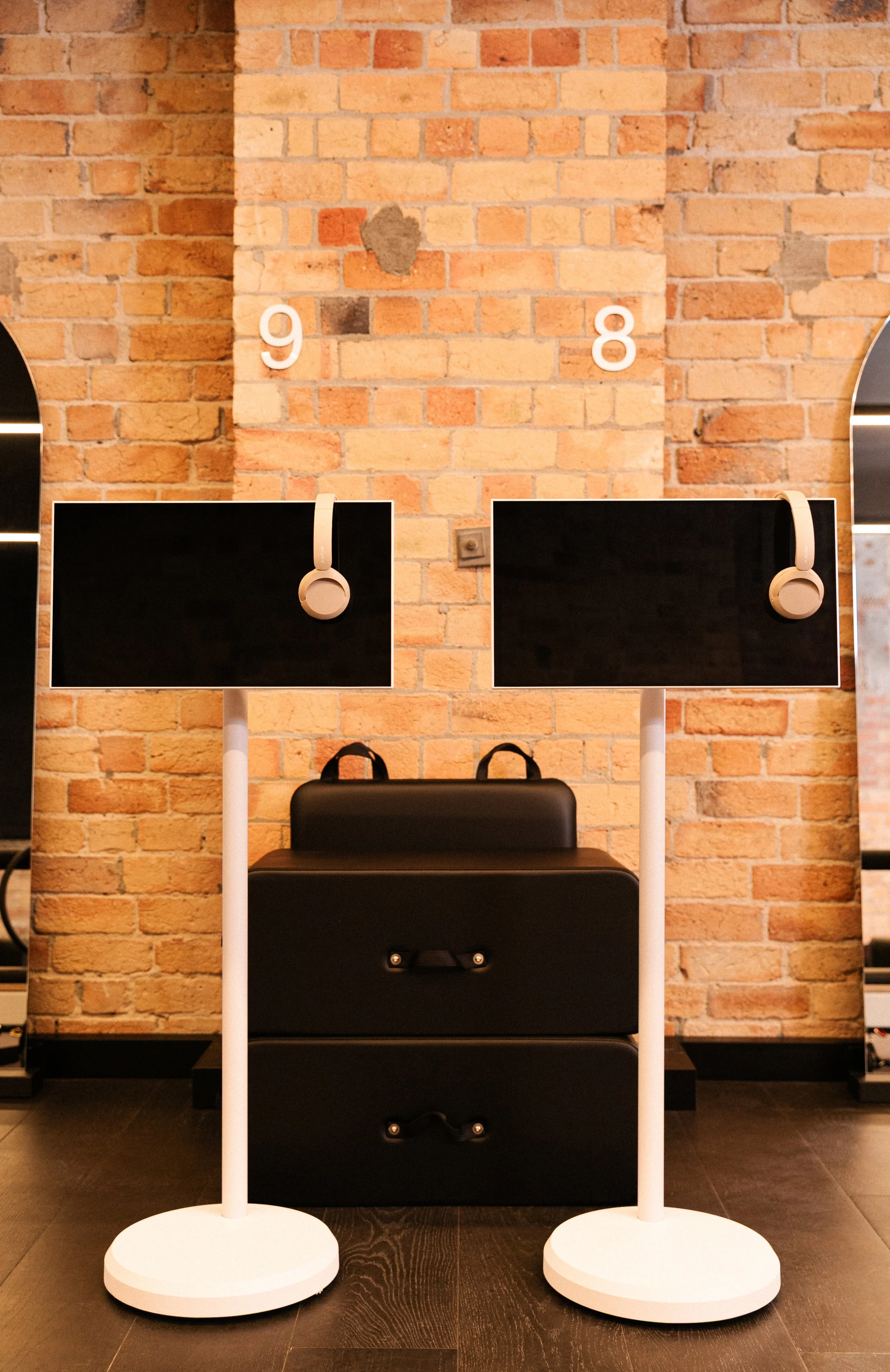
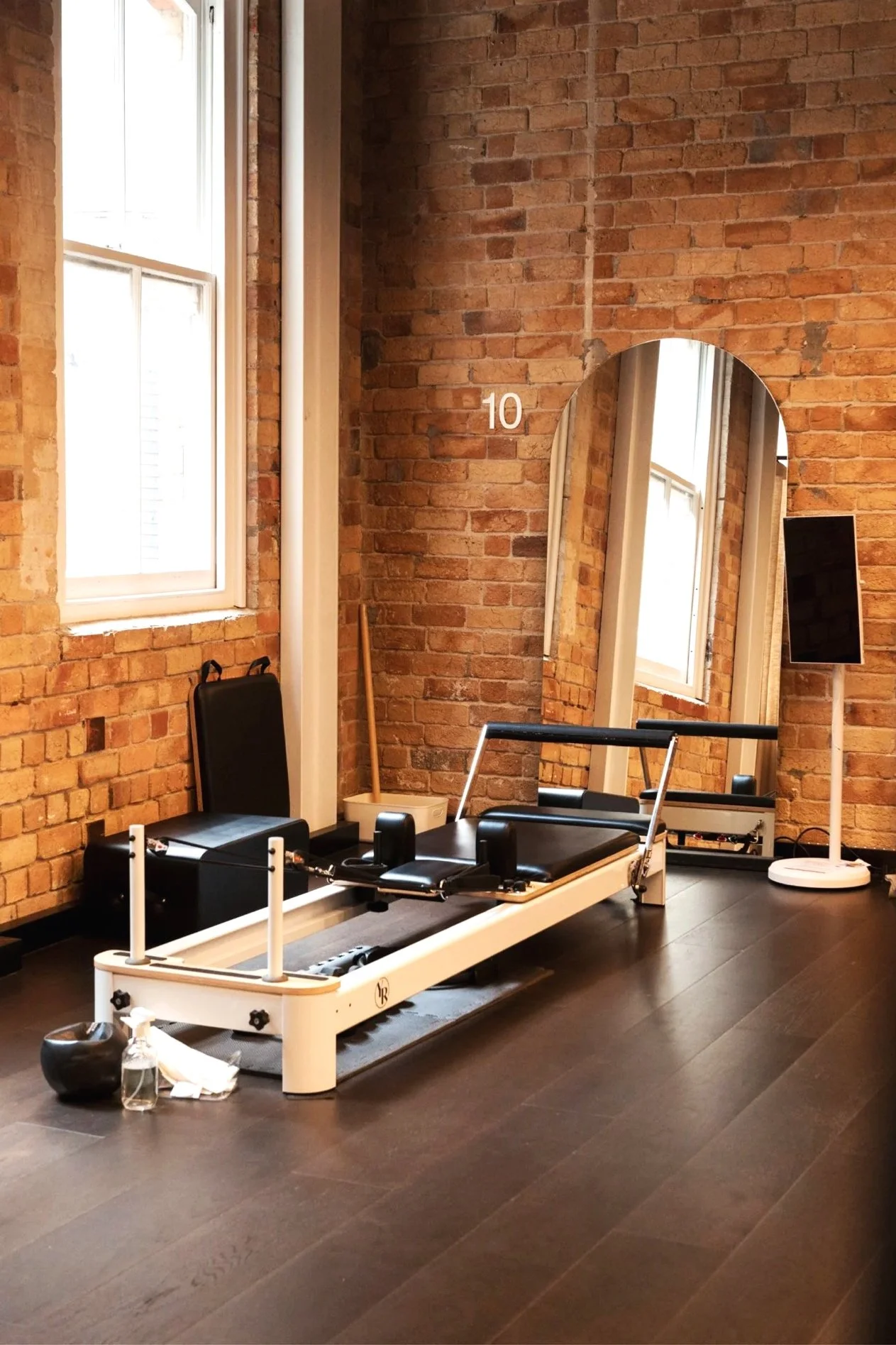
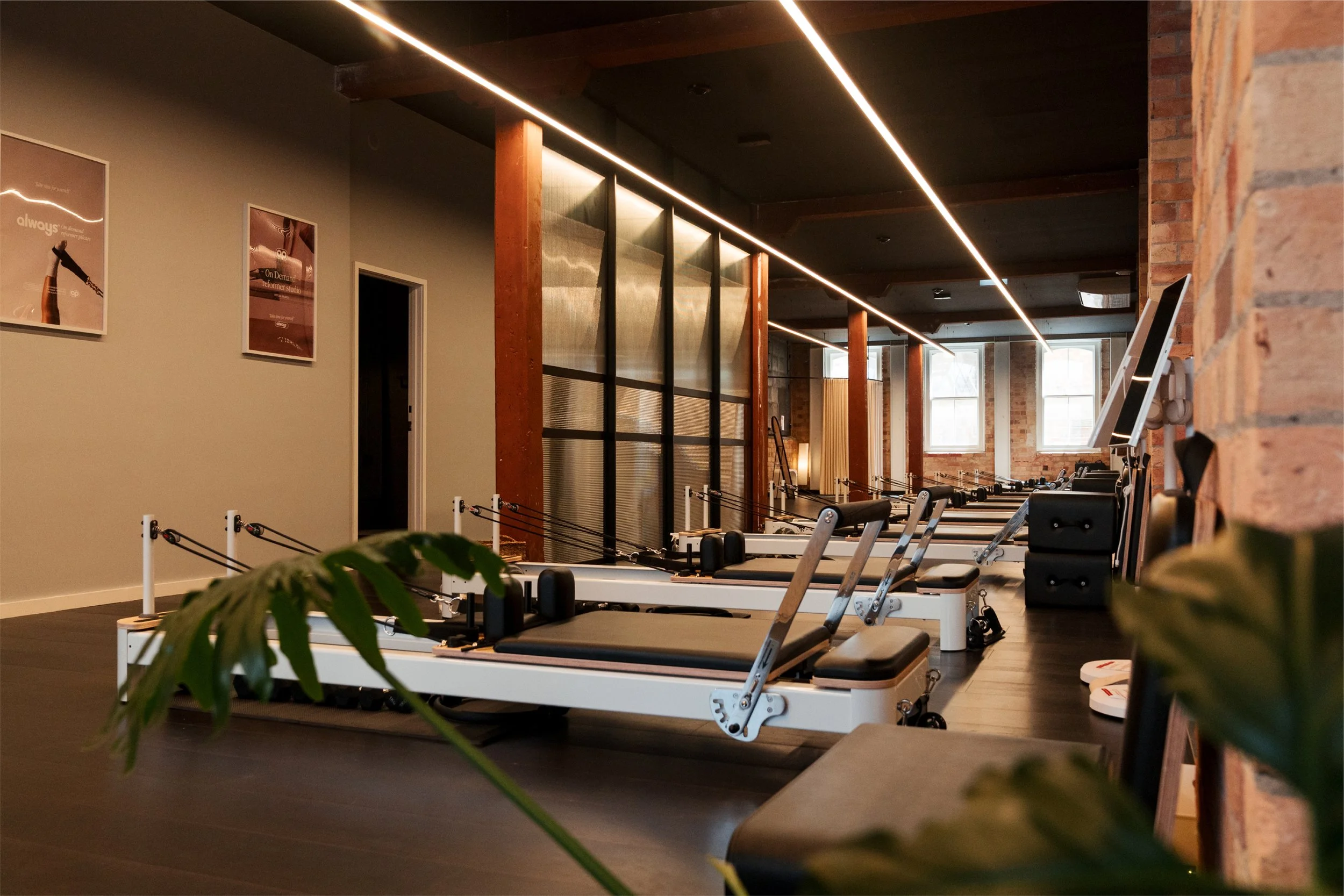
Each reformer has a white number on the wall next to it so it’s easy to identify. Each station has an Android touch screen which houses the virtual library of classes, and on-ear wireless headphones that is connected to the screen via Bluetooth.
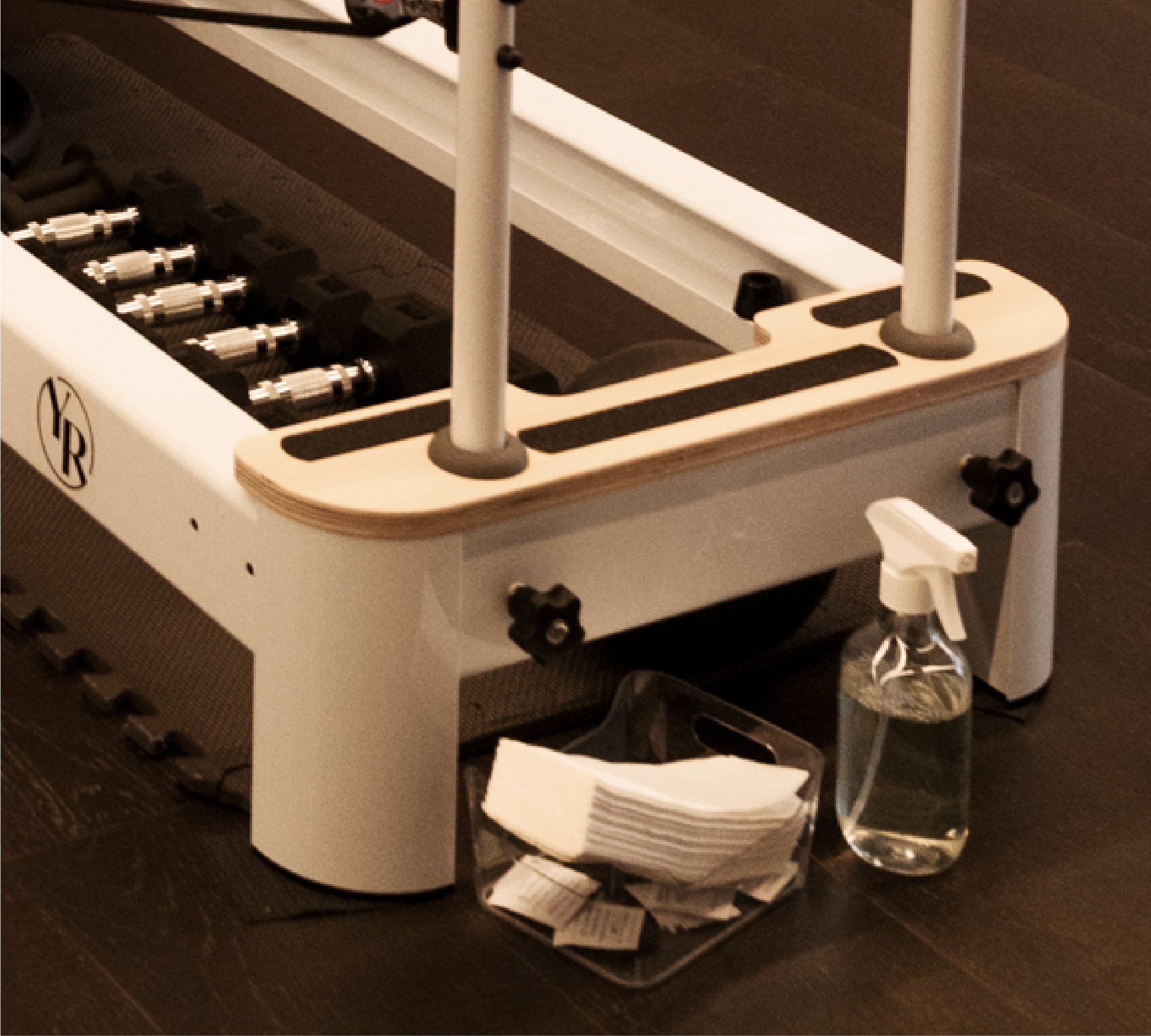
There is a cubby to put your small personal belongings such as your phone, purse and shoes. There is a cleaning caddy with spray and wipes to clean the equipment after you’re done.
INTRO OFFER/DIRECT BOOKING - You will have either selected your preferred bed, or been randomly assigned. This info will show in your Mindbody app profile under Schedule.
CLASSPASS - When you receive your PIN code you will also be told what Bed you are booked on. Make sure to use only this bed.
04
Extra Storage
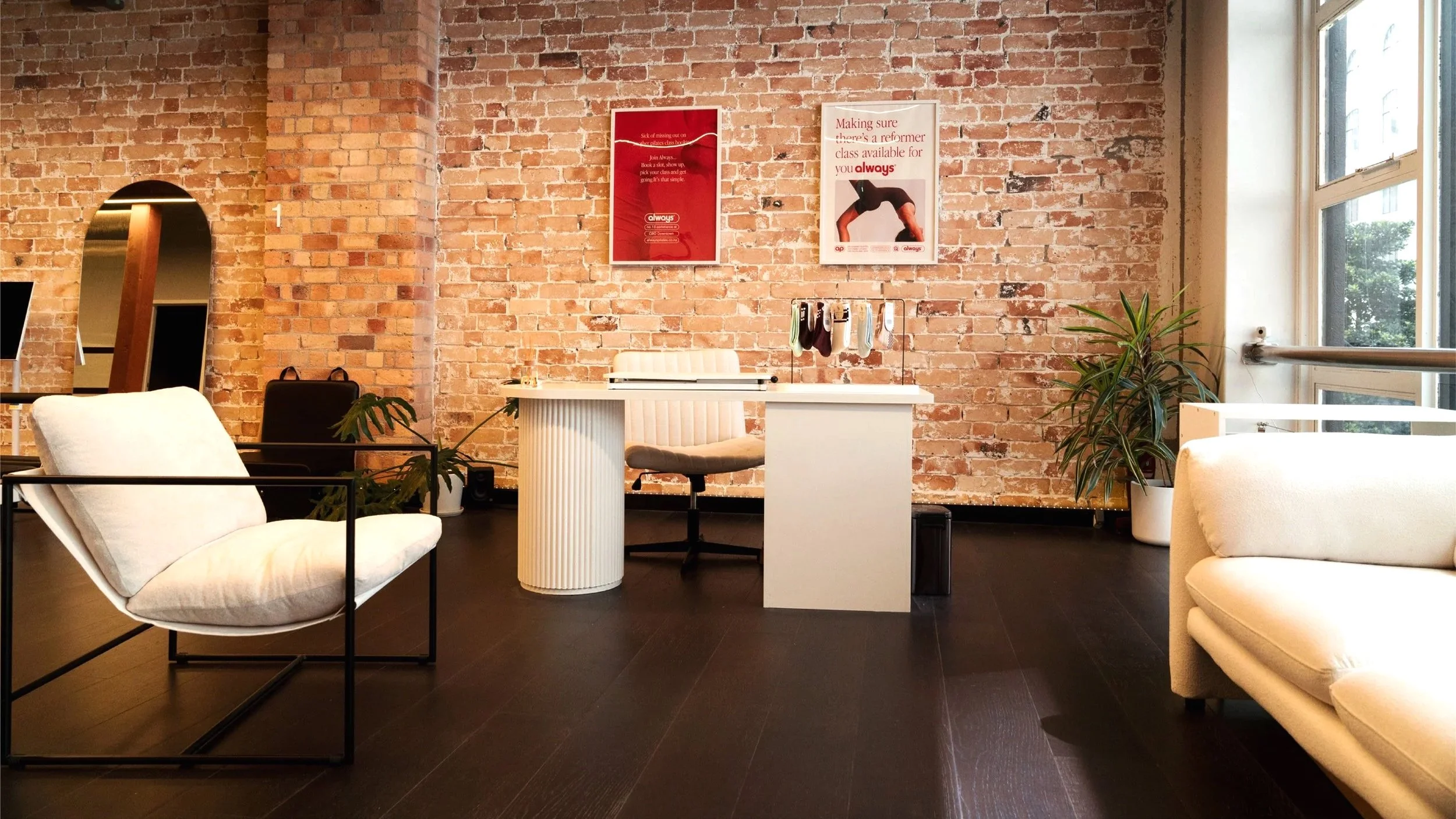
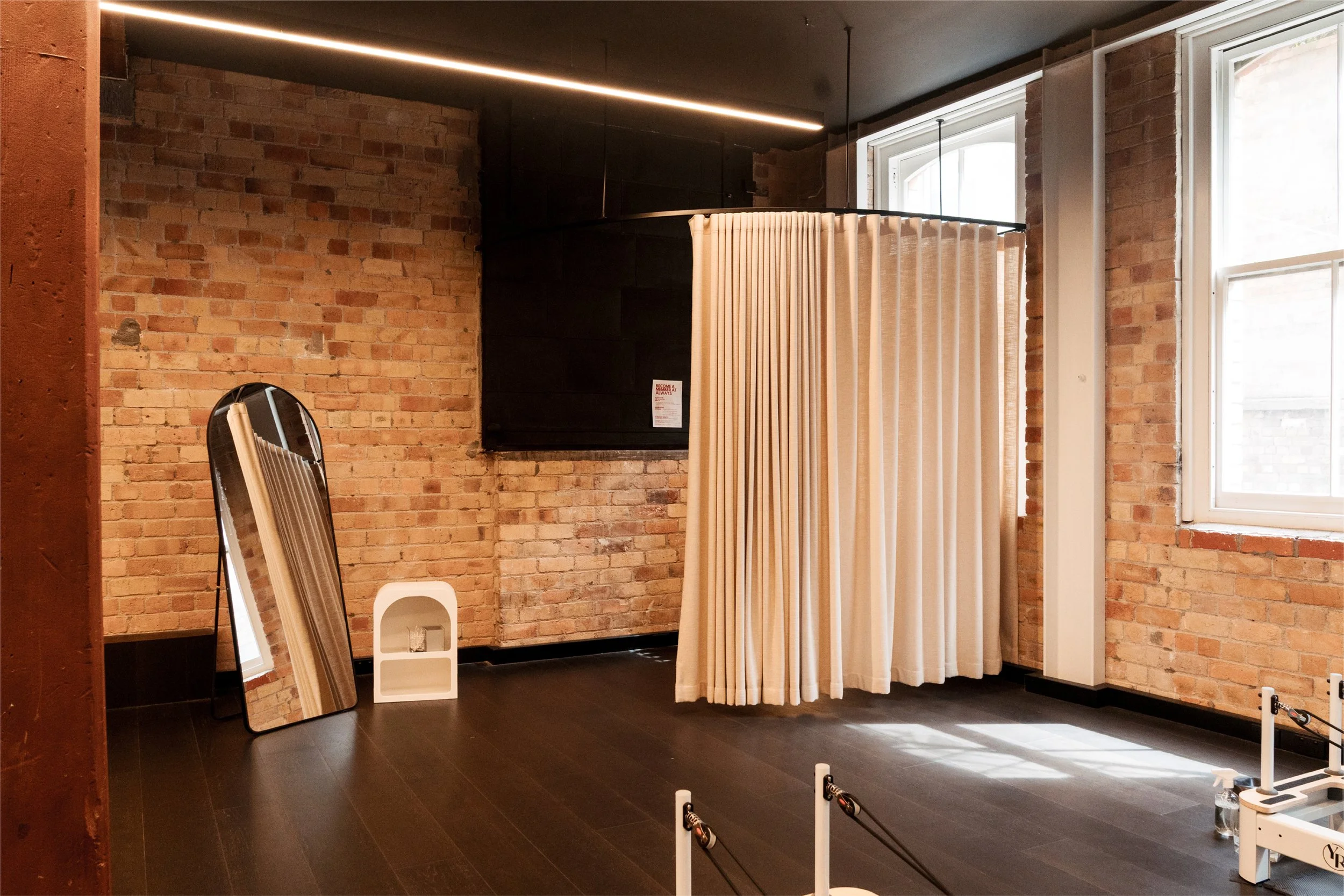
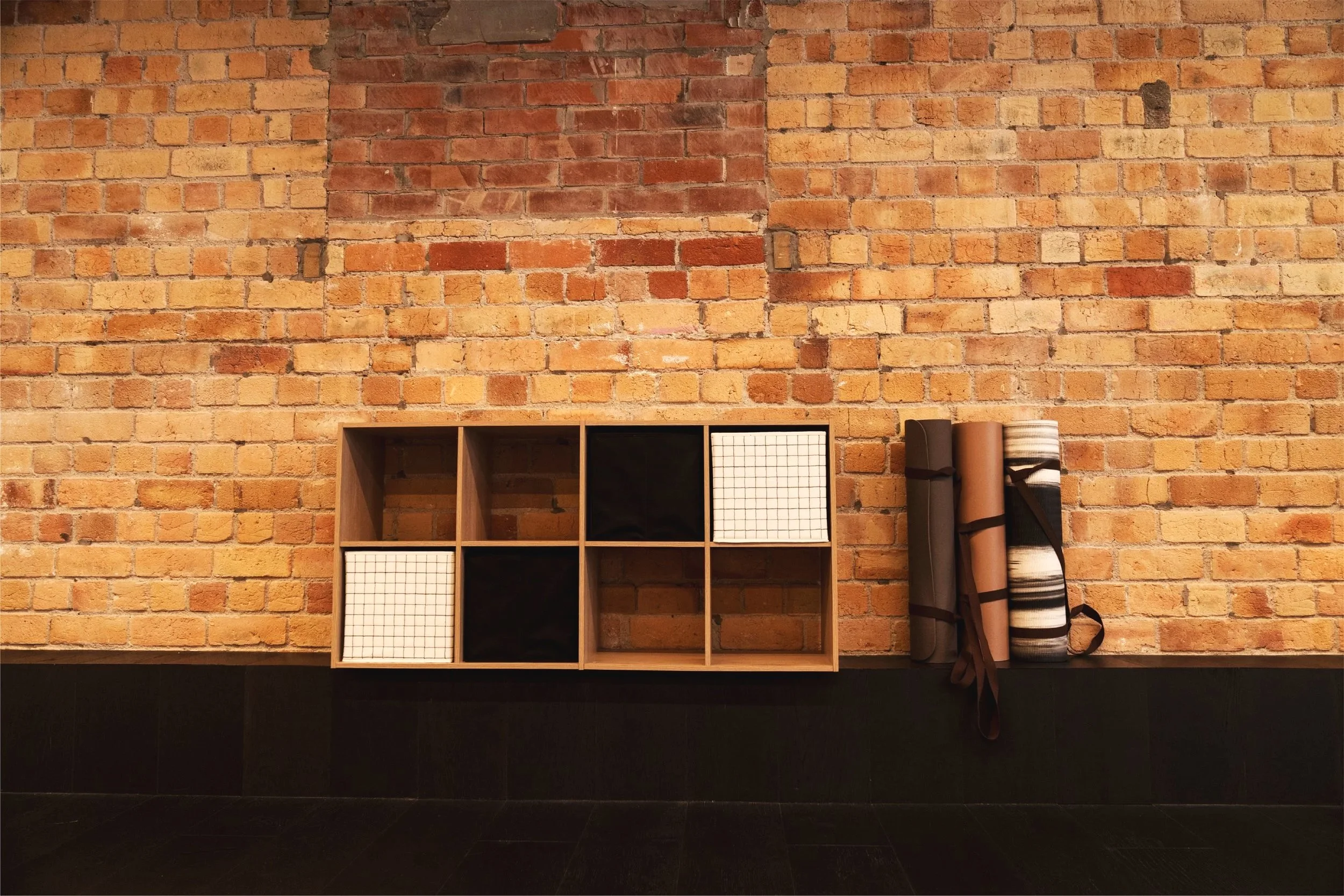
There is cubbies for your larger things at the back of the studio between the sink and changing area. Feel free to use the mats for extra stretching before or after your session time.
05
About the Reformer
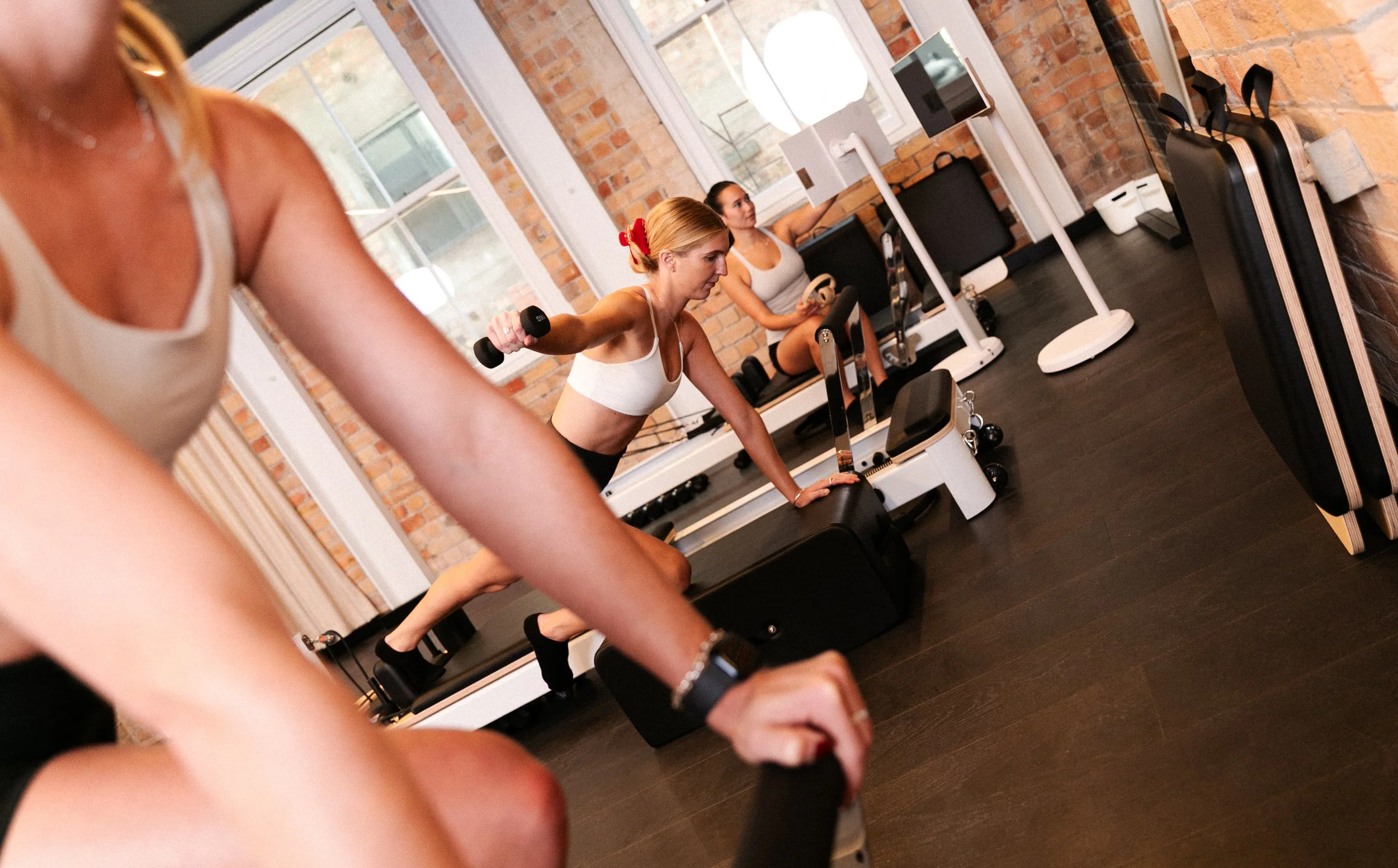
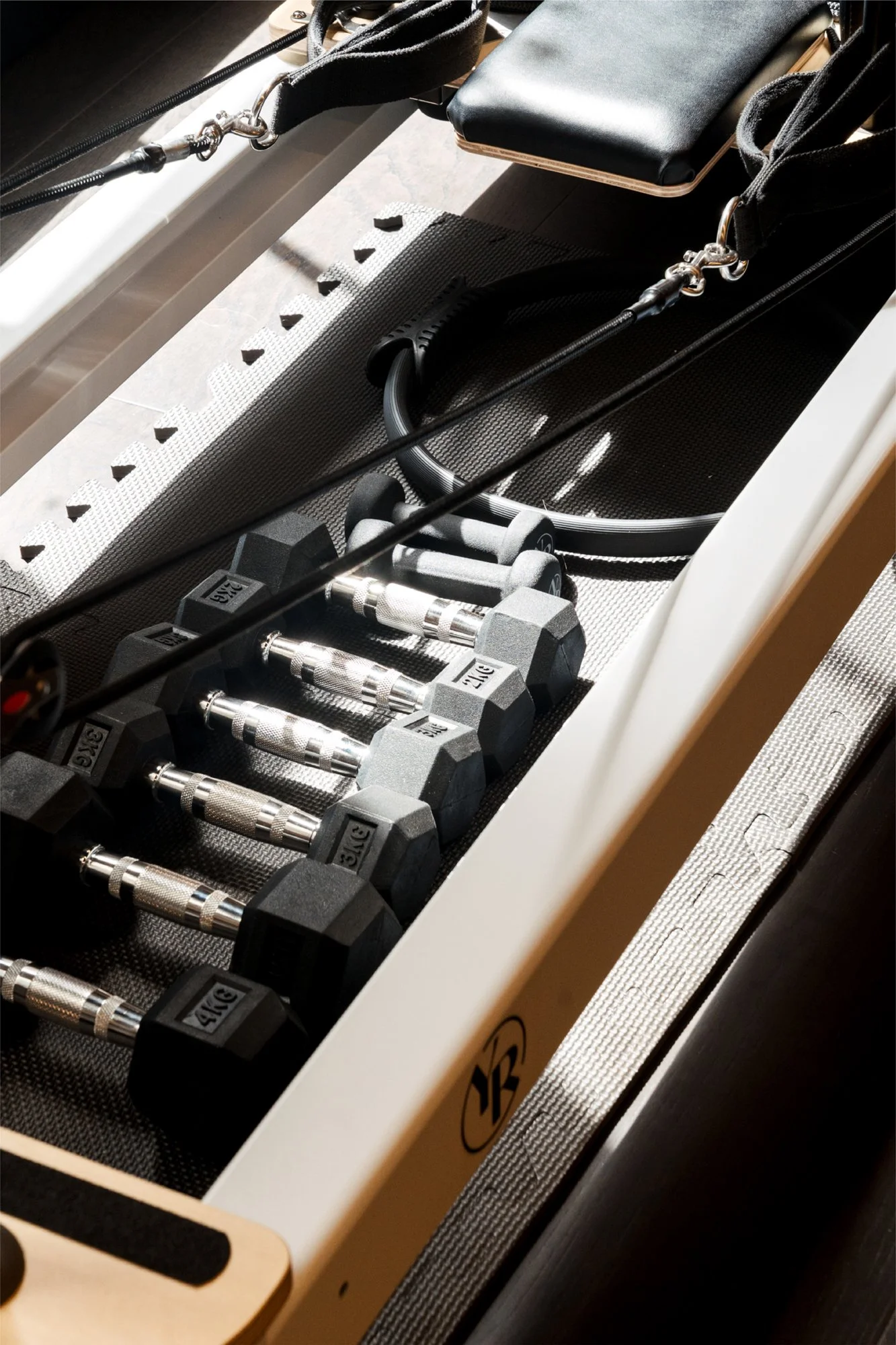
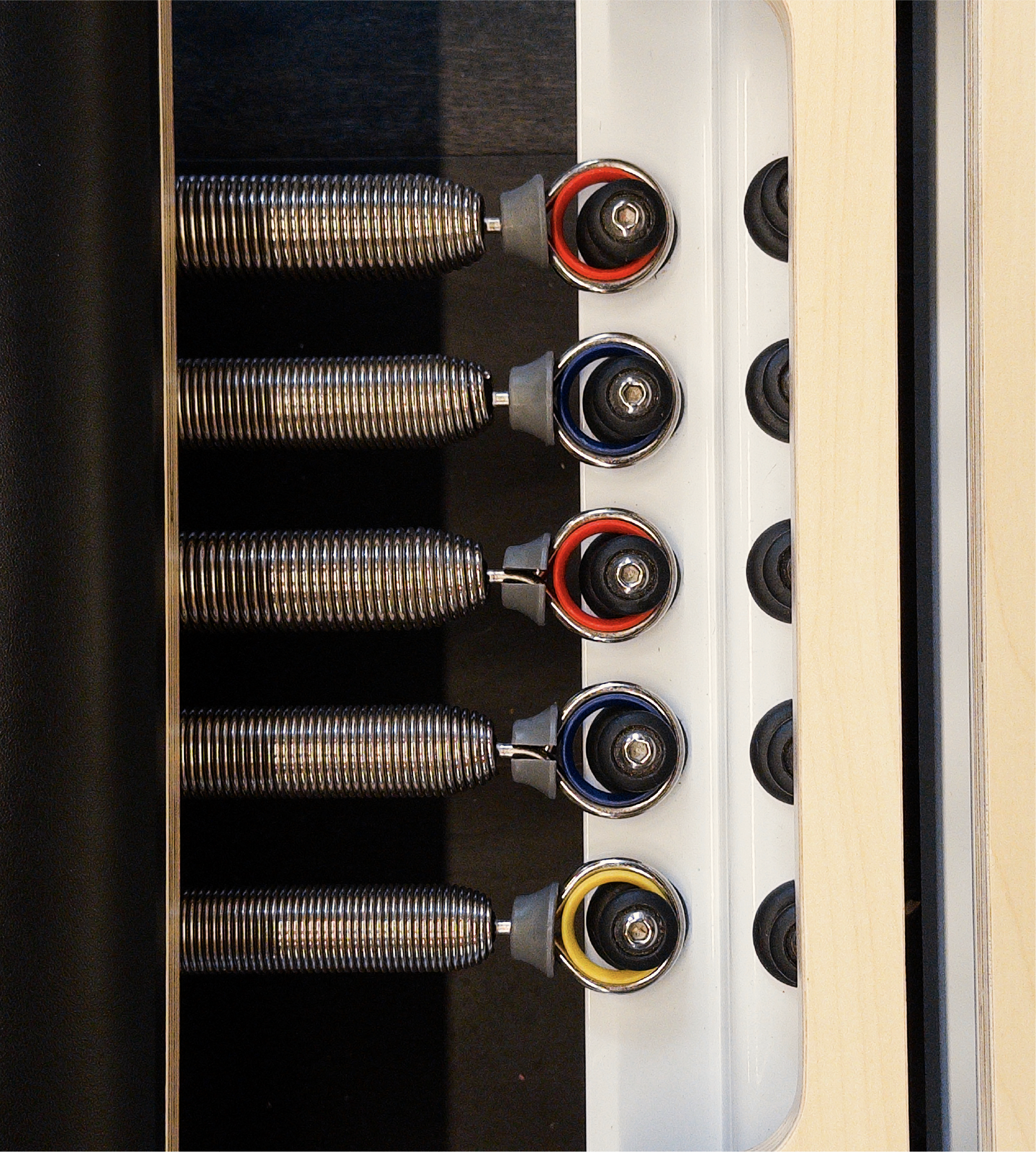
Each reformers come with 2 heavy Red springs, 2 medium Blue springs and 1 light Yellow spring.
To put the Jump Board in, first pull the footbar down to the middle click, remove the squishy platform, and put in the bottom of the jump board. Make sure the footbar is directly behind it to give it support.
If you would like to learn more about the reformer please search for the video titled “Introduction To The Envy” which walks you through how everything on the reformer works.




06
How to have a successful session
Please watch this whole video to learn how the video system works.
Info on the different Levels in the video system:
Beginner is great for absolute beginners with reformer, those coming back from injury or a long time from working out. These workouts are the same level as what you would find in a studio Beginner class.
Level 1 (Intermediate) is great for those that have experience with reformer and are ready to kick things up a notch. Expect more challenging sequences and harder spring suggestions. They will always give you a couple spring options for you to choose the best one for you.
Level 2 (Advanced) is your Intermediate/ Level 2 classes. These move in a more challenging way and expect you to have very good grasp of Pilates to be able to do the workouts properly and safely.
Please watch this whole video to learn how the reformer works.
This video walks you through all of the parts of our reformer, how to move things and set them up safely and properly.
If you’re still building your confidence on the reformer please make sure to watch this entire building so you’re ready to move at you session with confidence!
07
Finishing Your Session
Make sure to pay attention to the time as someone could be booked on your bed directly after you.
Please follow all of the below steps:
Put the video system back to the Catalog home page
Lock the screen by quickly pressing the on button again (Do NOT turn it off fully or press the silver button on the base)
Move the screen back it’s home between the mirrors
Spray and wipe down the Reformer and all equipment used in your session
Put all springs on the reformer so it is stable for the next person
Leave the station how you would want to find it.
08
Leaving the Studio
If you are the only person in the studio when you are leaving, you MUST:
Turn off both heat pumps (back remote is on the wall by the closet, front remote is close across from the desk).
Red light = ON No red light = OFF
Turn off the overhead lights with the switch right next to the door (please make sure no one is in the shower if you turn off the lights as that switch controls ALL the lights in the studio.)
Contact
If you have any questions, please feel free to message us either by email hello@alwayspilates.co.nz or message Jess at 022 689 7427.